Read and sorted
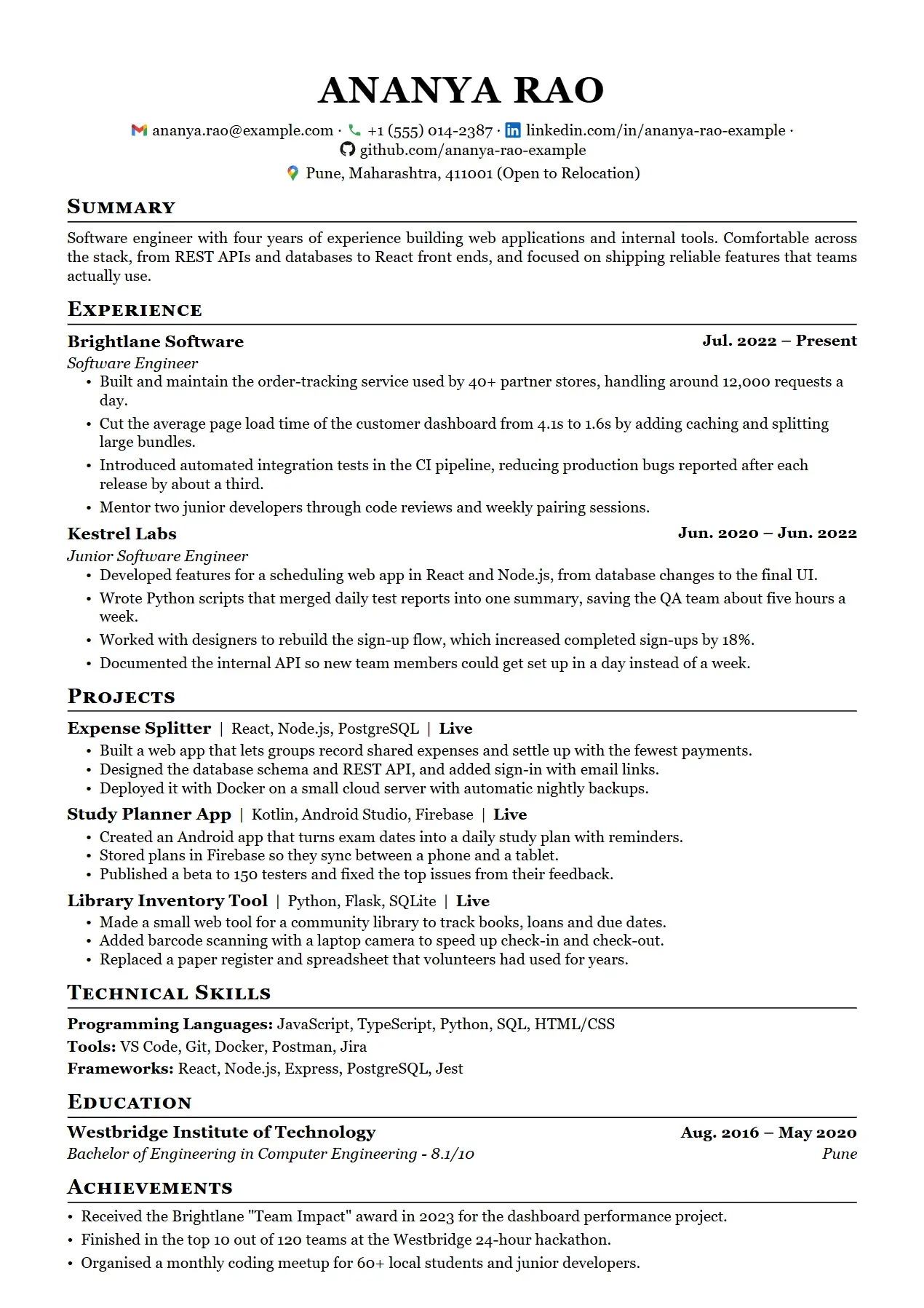
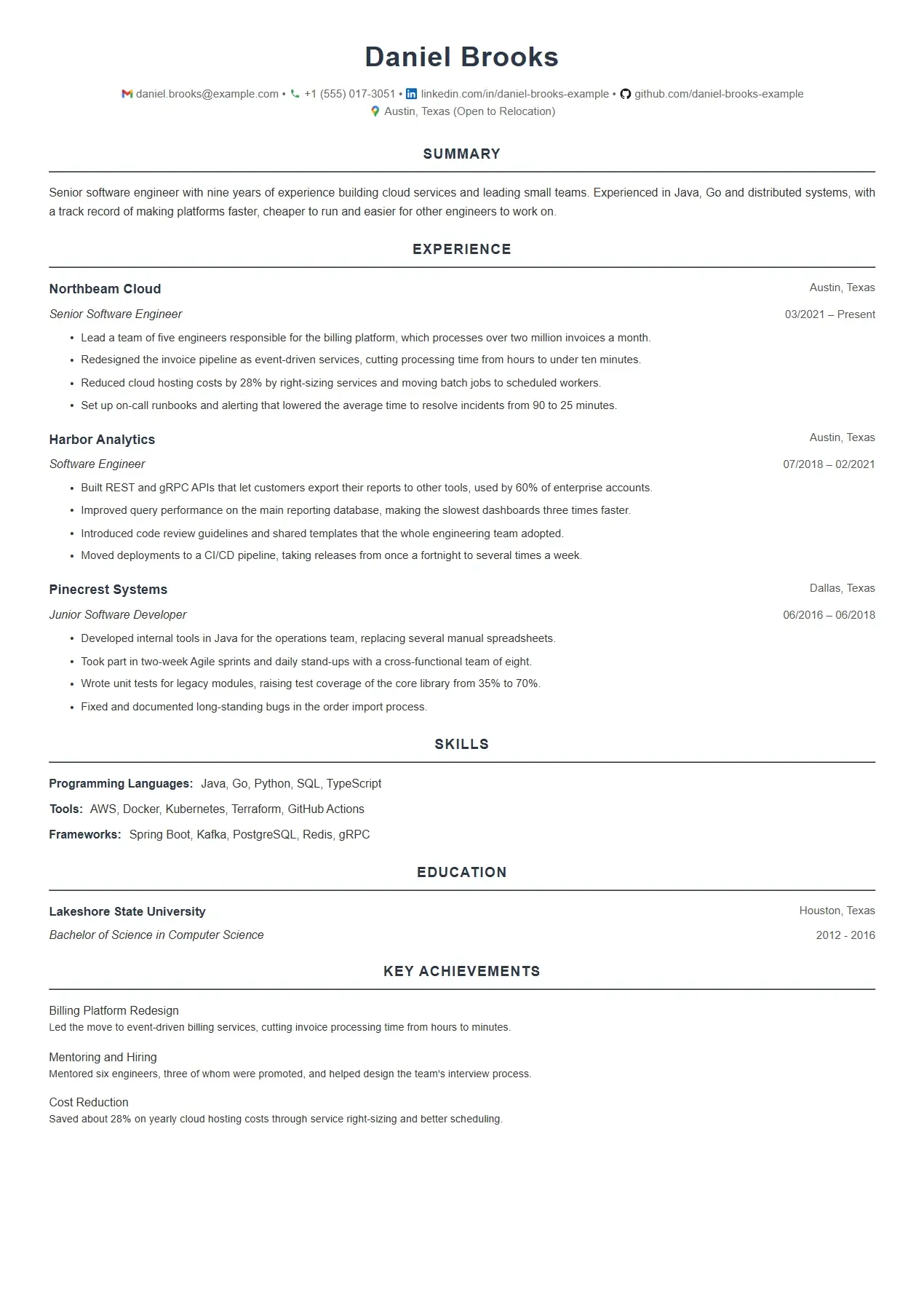
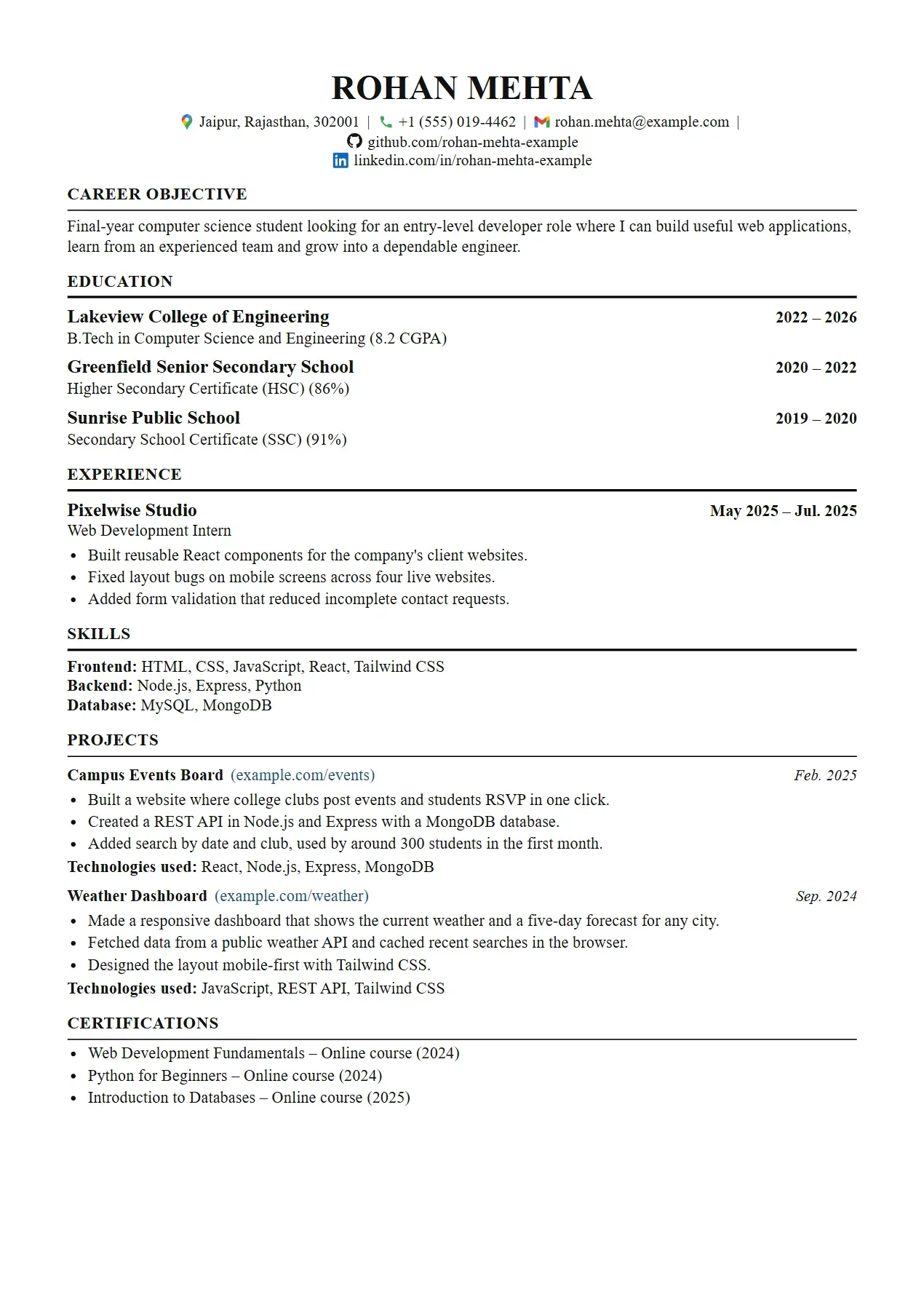
Your text is extracted, then the AI places it into contact details, summary, experience, education, skills and more.
Upload your current CV as a PDF or Word file. Yalivox reads it into an editor, sorts it into sections and flags what is missing. Then improve it with AI and move it into a cleaner, ATS-friendly design.
PDF, DOC, DOCX, TXT and RTF files.
No more fighting an old Word layout. Once it is in Yalivox, every section is a field you can change.
Your text is extracted, then the AI places it into contact details, summary, experience, education, skills and more.
If your PDF is a scan, Yalivox tries to read it with text recognition.
Fields it could not fill, such as a missing phone number or dates, are listed so you can add them.
Pick any template. Your content moves with you, so you can try several designs.
Tell the AI what you want, for example “make my last job’s bullet points lead with results” or “shorten my summary”. It edits your CV in place, and you can undo any change.
Not sure what is wrong with your CV? Paste a job description and the ATS check shows your match score, the skills you already show and the ones the posting asks for.
Your text moves into any template · Standard headings an ATS can read · Change fonts, colours and section order
Browse all templates →Most CVs improve the most from a few changes.
Pro adds unlimited AI cover letters and downloads for 7, 30 or 90 days. A single payment, not a subscription — you are never charged again unless you buy Pro again.
Everything you need to build and apply.
Unlimited AI cover letters and downloads, for as long as you need.
Cards, UPI, Google Pay and net banking · Secure checkout by Razorpay
All prices are in Indian rupees. All payments are final and non-refundable. Refund Policy
PDF, DOC, DOCX, TXT and RTF. For the best result, upload a file with real text rather than a photo of a CV. Scanned PDFs are read with text recognition where possible.
After reading your file, Yalivox lists the fields it could not fill. Everything is editable, so check the imported text against your original before you download.
No. Your file is only read. Yalivox creates a new CV in your account from its text.
Yes. Choose any template and your content moves with it. You can also change fonts, colours and the order of sections.
Building, checking your ATS score and applying to jobs are free. Sign up free for 10 AI uses in total (AI chat messages or AI cover letters). CV downloads come with Pro. Cover letter and resignation letter downloads are free. Pro adds unlimited AI cover letters and downloads from ₹10 for 7 days; it is a single payment that never renews. All payments are final.
Uploading, editing and the ATS check are free. Downloads come with a one-time Pro plan. It is not a subscription.